Three clicks to report, a complete network to resolve
On-site QR code, mobile app — input is simple. From there, each report is routed to the right contact, tracked in a shared stream, and traced until resolution.
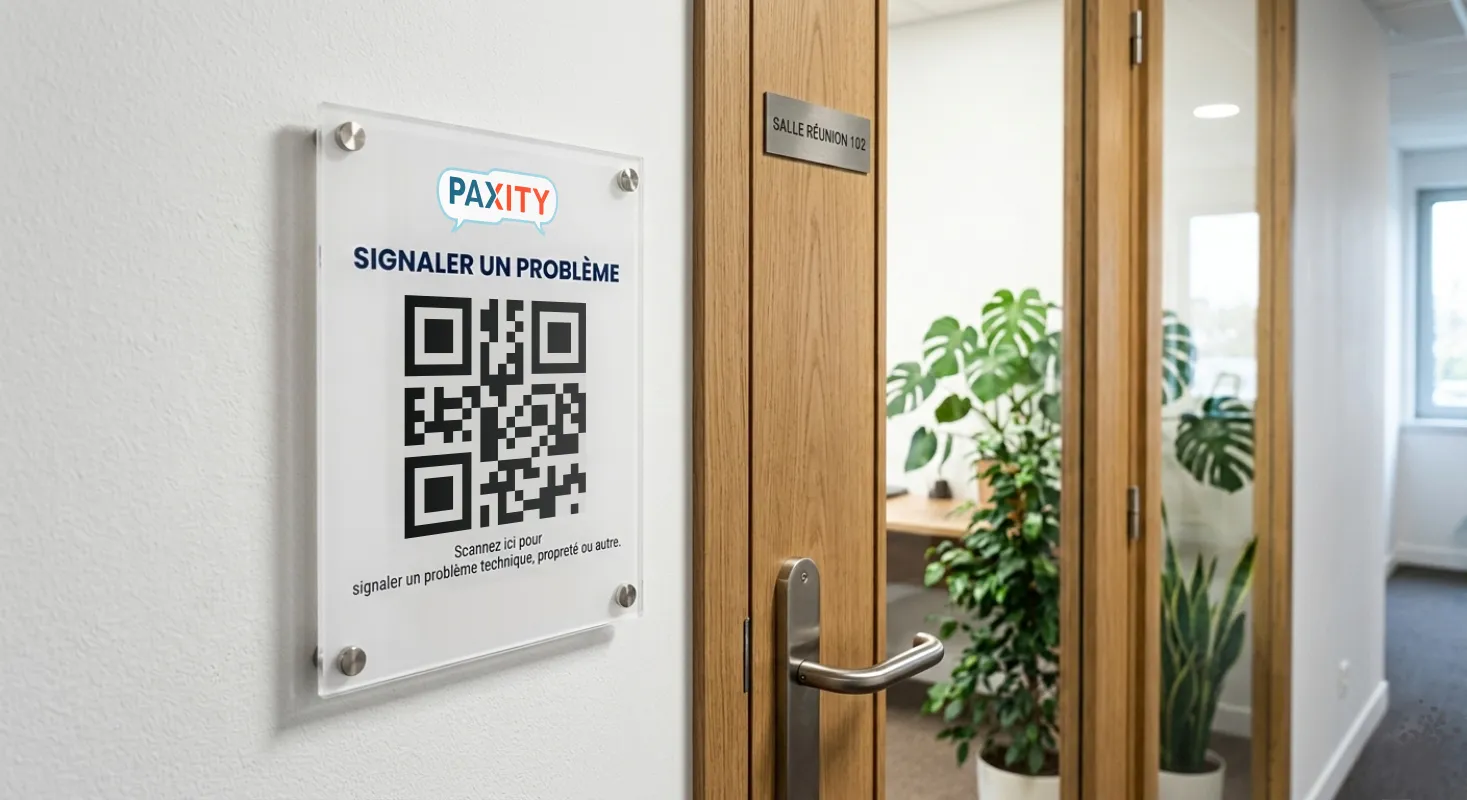
The workflow described here is the QR code one — the most common. The mobile app also allows pros to report directly. The principle remains the same: a simple entry, a complete network behind it.
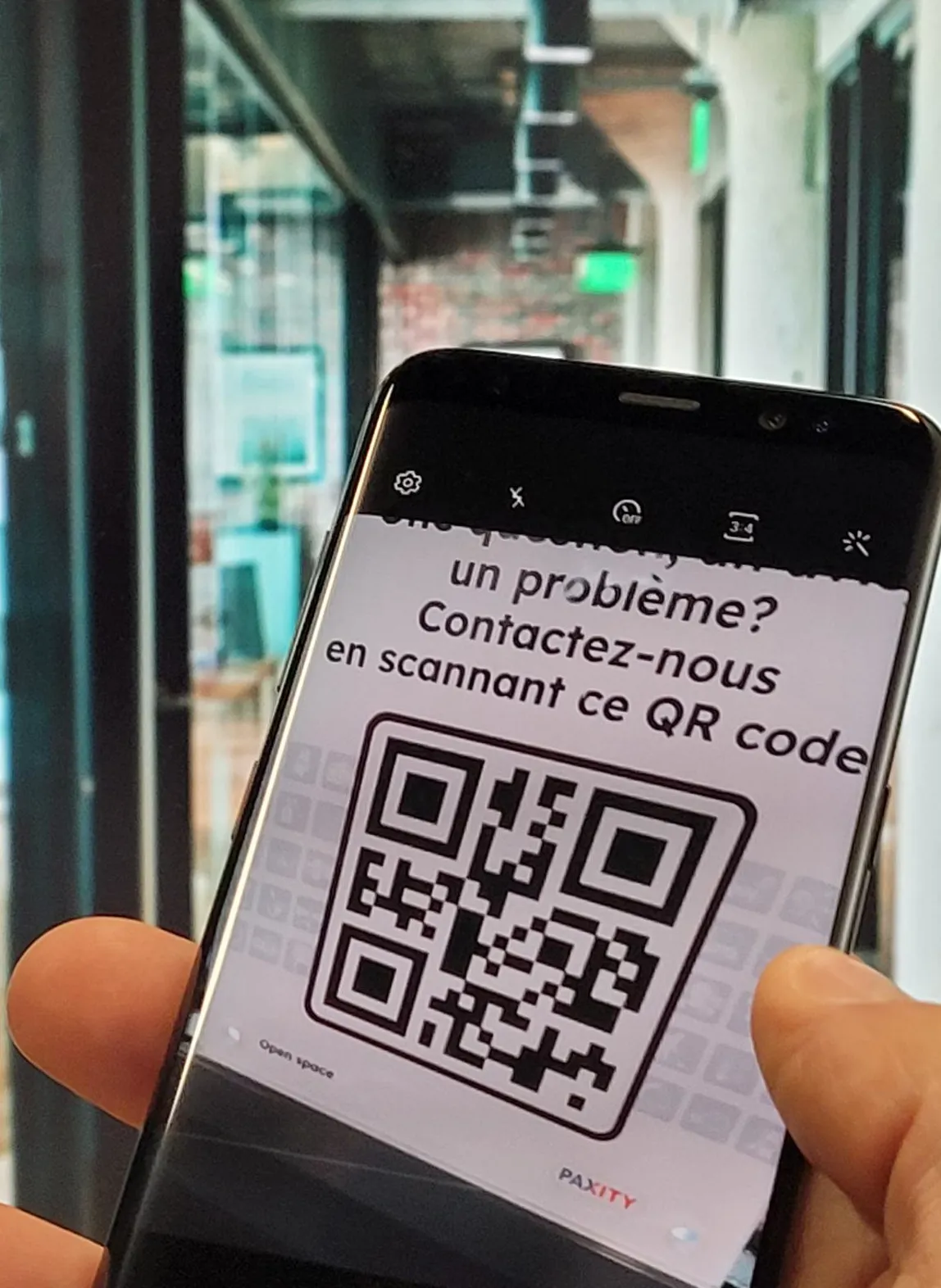
1 Scan the QR code
The user scans the code with their phone. No download, the menu opens in the browser.
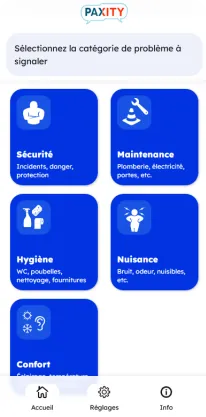
2 Identify the problem in 3 clicks
A graphical menu with pictograms classifies problems by category. Three levels maximum. Each button has a drawing, a title, and a short description if needed.
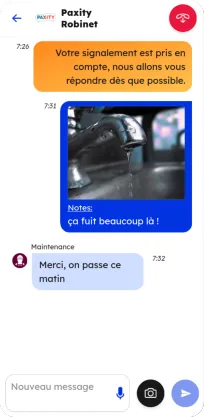
3 Confirm and exchange
The report goes directly to the right contact. The user arrives on a messaging interface to exchange photos, details, and track progress.
4 Rate and thank
Once the intervention is complete, the user rates the intervention. In case of a good rating, they can send thanks to the team.

The report reaches the right team directly
Each QR code is linked to a location or specific equipment. You define which team handles which type of report, and where. Duplicates are detected and consolidated automatically — if several users report the same ongoing problem, they join the same thread. The responder receives the report on their app, in real time, with all information already entered.
Our very first report? A member of the cleaning team, in the middle of her shift, without being asked. Scanning the QR code took her less time to report a breakdown than finding the on-call technician. Your teams deserve a tool that obvious.
Designed to work everywhere
-
 Users anonymized in the system
 - Interface customized with your organization's colors and logo
- Available in French and English